Free SEO report template

Free SEO report template, filled in for you

Enter your site and SureThing generates the report from your Search Console and Google Analytics data: summary, KPIs, rankings, top pages, and next steps.

Free to start with 500 credits, no card. You connect Search Console after signing in; nothing is sent before that.

Or take the blank template:

A printed SEO report on a desk with text lines, a bar chart, a table and a checklist, next to a pencil

The SEO report template

Eight sections, with notes on why each one is there and where its numbers come from. Switch to the filled view to see what SureThing generates.

SEO report

Site
blank
Period
blank
Compared with
blank
Prepared by
blank

1. Summary

Three sentences: what happened, the most likely reason, and what you'll do next.

  • Organic clicks were this period, % vs the previous period.
  • The biggest change was , most likely because .
  • Next period we will focus on .

2. KPI snapshot

The same six to eight numbers every time, compared with the previous period.

2. KPI snapshot
MetricThis periodPrevious periodChangeSource
Organic clicksSearch Console
ImpressionsSearch Console
Average CTRSearch Console
Average positionSearch Console
Organic sessionsGA4
Key events from organicGA4
Keywords in top 10Rank tracker
Referring domainsBacklink tool

3. Keyword rankings

Your priority keywords plus the biggest gains and losses. Ten to twenty rows is plenty.

3. Keyword rankings
KeywordPositionChangeRanking page

4. Top pages

Pages that brought the most clicks, and any page that gained or lost a lot.

4. Top pages
PageClicksChangeNote

5. Technical health

Only what changed: new indexing problems, page experience issues, broken pages.

5. Technical health
CheckStatusAction
Indexed pages
Pages not indexed (new reasons)
Core Web Vitals: poor URLs
404 errors from internal links

7. Work completed

What was shipped this period: pages published, fixes made, links earned.

  • Published:
  • Fixed:
  • Outreach:

8. Next period plan

Three priorities, each with an owner and a date.

8. Next period plan
PriorityOwnerDue

How do you fill in an SEO report?

Choose the comparison period, pull the numbers from Search Console and GA4, then write the summary last.

  1. Pick the comparison first

    Month over month for monthly reports, previous week for weekly ones. Use year over year for seasonal businesses.

  2. Pull Search Console numbers

    Performance › Search results, set the date range and Compare. Read clicks, impressions, CTR and position, then the Queries and Pages tabs.

  3. Add GA4 organic traffic

    Reports › Acquisition › Traffic acquisition, then read the Organic Search row for sessions and key events.

  4. Write the summary last

    Once the tables are filled, the main change and its cause are usually obvious. Say it in three sentences.

One template, four versions

Keep the same structure and change what you include for each reader.

Five report cards fanned out: traffic trend, growth, backlinks, technical fixes and a checklist
VersionWho reads itKeepLeave out
WeeklyYou or your teamSummary, KPI snapshot, keywords that moved, next stepsBacklinks and technical health unless something broke
MonthlyManager or founderAll eight sectionsDay-to-day ranking noise; compare month over month
ClientAn agency clientSummary, KPIs, work completed, next period planJargon. Explain each metric in one plain sentence
Local SEOA business with a storefrontAdd Google Maps ranking by area, reviews, and calls from your listingBacklink detail; local signals matter more
Make it a habit

Get this report every month, or just once

Connect Search Console and Google Analytics. SureThing fills in the summary, KPIs, rankings, and top pages on your schedule, and sends the report where you want it. Add Ahrefs or Semrush for the backlink section.

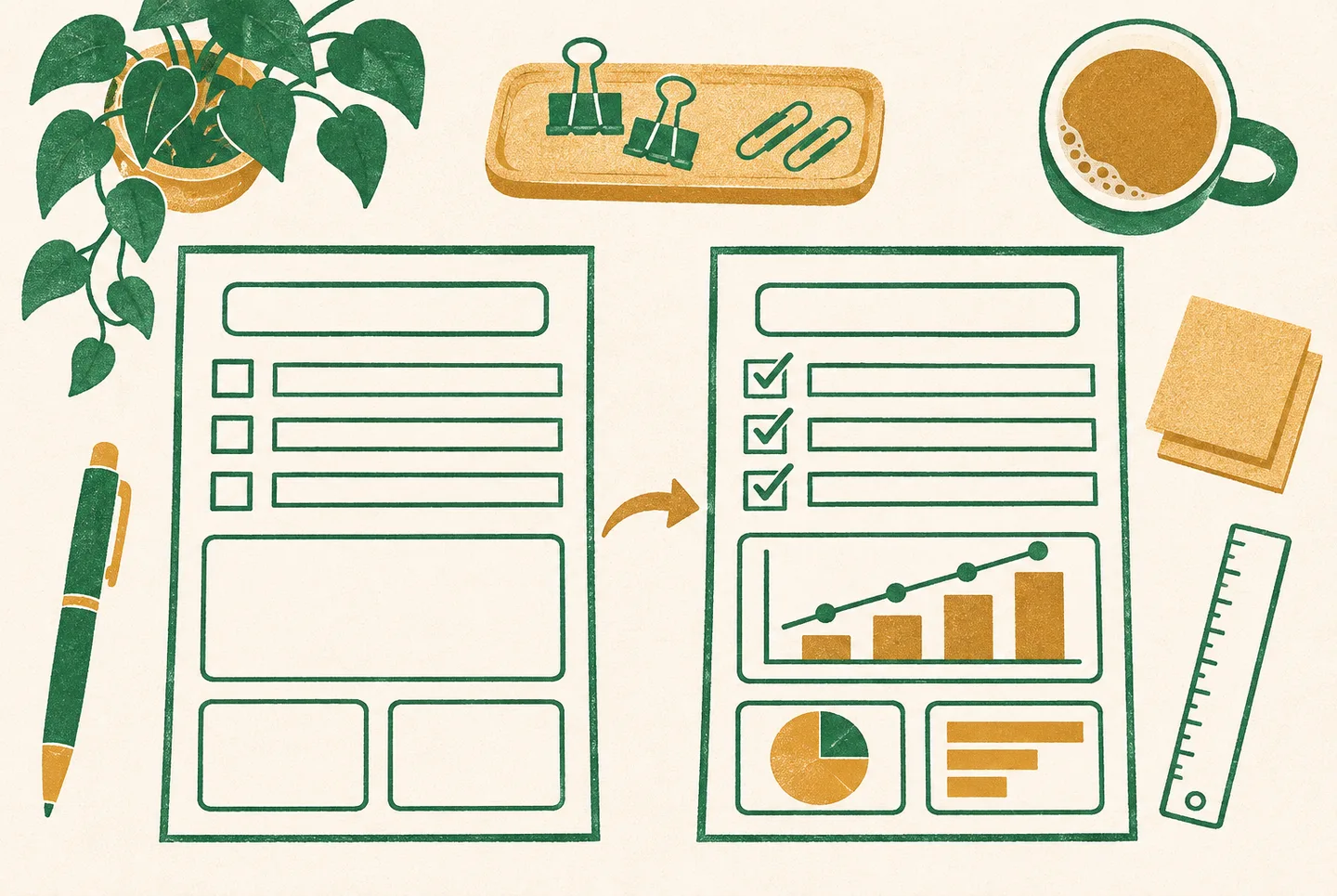
An empty report form beside the same report filled in with charts and checked items
Try:

Free to start with 500 credits, no card. You connect Search Console after signing in.

What customers say about SureThing

I’m running 4 separate businesses using SureThing! I feel like a conductor in an orchestra. You work while I’m sleeping and when I wake up it’s organised my daily tasks. I can do so much more on my own without a team!
Rochelle Weber@RochelleAWeber
SureThing just replaced my entire AI stack with one agent that remembers everything, learned my voice, and worked while I slept. One agent, one brain, zero manual work.
Muhammad Ayan@socialwithaayan
My SureThing negotiated back two refunds — $129 Typeform & $29 Ahrefs — completely on its own. Vendor offered a discount. Agent declined. Asked for the full refund. Cited zero usage. We never built a “refund feature.” It just… figured out.
Celine Yu@celineycn
This is one of the most interesting AI agent products I’ve tested recently. Most AI tools forget everything after each chat. SureThing doesn’t. It builds a persistent memory layer that learns how you write, your priorities, your workflows.
kukuh@kwkuh
OpenClaw is Linux. I use it in Development. But for my personal needs, I use a Mac. SureThing is that Mac.
JeffersonNunn.eth@mindragon

SEO report template FAQ

Is this SEO report template free?

Yes. Copy it or download it and use it for yourself or your clients, no sign-up needed. Signing up is only needed if you want SureThing to fill it in for you.

What should an SEO report include?

A short summary, a fixed set of KPIs compared with the previous period, keyword rankings, top pages, technical health, backlinks, the work completed, and the plan for next period. Cut the sections your reader doesn't use.

Which file format do I get?

Copy pastes as a formatted document, with headings and tables, into Google Docs, Word, or Notion. Download gives you the same template as a Markdown file, and the KPI sheet is a CSV you can open in Google Sheets or Excel.

How often should I send an SEO report?

Monthly suits most clients and managers because SEO moves slowly. A weekly short version helps the people doing the work catch drops early.

Can SureThing fill in this template automatically?

Mostly. With Google Search Console and Google Analytics connected, it fills in the summary, KPI snapshot, keyword rankings, and top pages on your schedule. Connect Ahrefs or Semrush for backlinks, and tell it what work you shipped for that section. Reports go to your project, Slack, or Gmail. You can start with 500 free credits.

Your next SEO report, written for you

Keep the free template, or let SureThing fill it in from your data.