Social media approval tool that holds every post for your sign-off
Describe what you want to publish and pick your channels. SureThing drafts each post for its channel and waits for your approval before anything goes live.
Free to start with 500 credits, no card. You'll sign in, then connect the accounts you picked.
What is a social media approval tool?
It makes sure every post is reviewed before it's published. You see each draft, then approve it, edit it, or send it back. SureThing also writes the drafts and can email them to a client for feedback.
- Input: what you want to post and the channels to post on
- Output: native drafts for each channel, held as approval cards
- Control: posts publish only after approval, unless you allow otherwise

Get posts approved without the back-and-forth
One place to approve
Every draft waits as an approval card in SureThing, not scattered across email and chat.
Drafts are already written
Posts are adapted to each channel's format before anyone reviews them.
You decide what goes live
Social posts wait for your approval by default.
Where teams use an approval workflow
Any time more than one person should see a post before it's public.
- Agencies and freelancersCollect client feedback by email before scheduling.
- Small marketing teamsTurn one brief into posts for every channel, ready to review.
- FoundersKeep your voice on LinkedIn without writing every post.
- LaunchesReview a full set of posts across channels at once.

Who it's for
Agencies
Managing several brands and client sign-offs.
Marketing managers
Who want drafts for every channel ready to review.
Solo founders
Who want drafts ready and a final say on each post.
Not a fit yet if several teammates must approve inside one shared workspace (still in private beta) or you need a legal audit trail.
How to set up a social media approval workflow
Set it up once, then review posts as they arrive.
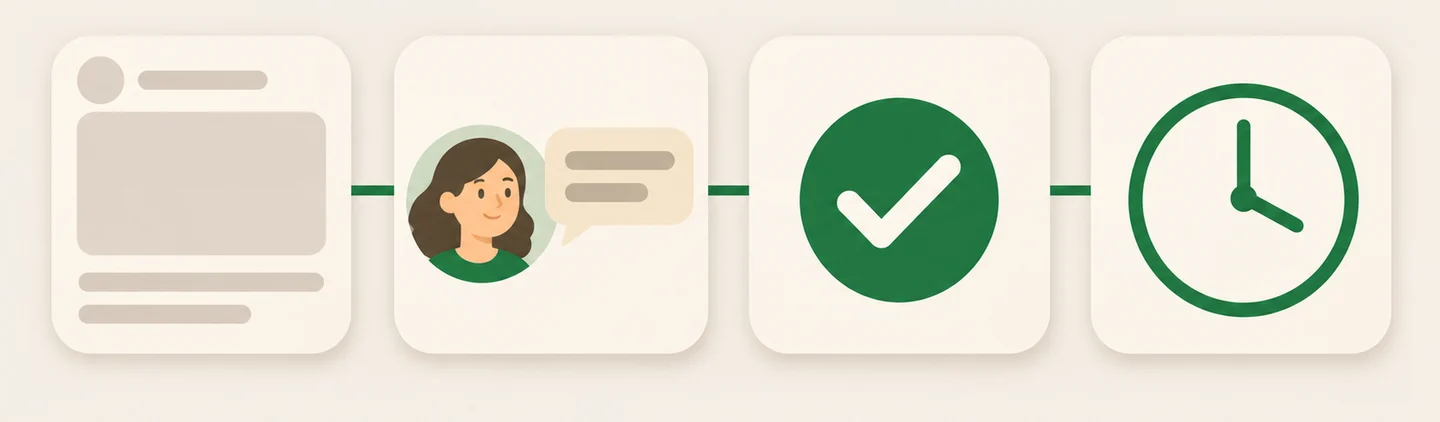
Describe your posts
Say what to publish, or paste ideas to start from.
Pick your channels
Choose where each post goes. Add a client's email if you want their feedback.
Review the drafts
Edit, approve, or send a post back with notes.
Approve to publish
Approved posts go out from your connected accounts. For set times, ask for a routine.
Compare ways to approve social posts
The right setup depends on who writes the posts and where your reviewers already work.
| Compare | Email and chat threads | Social schedulers | SureThing workflow |
|---|---|---|---|
| Best for | Occasional posts | Teams with a writer | Teams that want drafts written too |
| Who writes drafts | Your team | Your team | AI agent, edited by you |
| Where feedback lives | Scattered threads | Inside the scheduler | Approval cards in SureThing, client feedback by email |
| Adapting per channel | By hand | By hand | Native draft for each channel |
| Publishing | Copied by hand | Scheduled | Published when you approve |
What customers say about SureThing
I’m running 4 separate businesses using SureThing! I feel like a conductor in an orchestra. You work while I’m sleeping and when I wake up it’s organised my daily tasks. I can do so much more on my own without a team!
 Rochelle Weber@RochelleAWeber
SureThing just replaced my entire AI stack with one agent that remembers everything, learned my voice, and worked while I slept. One agent, one brain, zero manual work.
 Muhammad Ayan@socialwithaayan
My SureThing negotiated back two refunds — $129 Typeform & $29 Ahrefs — completely on its own. Vendor offered a discount. Agent declined. Asked for the full refund. Cited zero usage. We never built a “refund feature.” It just… figured out.
 Celine Yu@celineycn
This is one of the most interesting AI agent products I’ve tested recently. Most AI tools forget everything after each chat. SureThing doesn’t. It builds a persistent memory layer that learns how you write, your priorities, your workflows.
 kukuh@kwkuh
OpenClaw is Linux. I use it in Development. But for my personal needs, I use a Mac. SureThing is that Mac.
 JeffersonNunn.eth@mindragon
Social media approvals, explained
Is this social media approval tool free?
You can start free. New accounts get 500 credits with no card. That's enough to try a batch of drafts; see pricing for plan details.
Will anything post without my approval?
Not by default. Social posts come back as approval cards. The agent publishes directly only if you explicitly tell it that it doesn't need to ask.
Can my client approve posts?
SureThing can email drafts to your client and bring their feedback back to you. You make the final approval in SureThing, and you approve each outgoing email first.
Which channels are supported?
LinkedIn, Instagram Business and Creator accounts, Facebook Pages, X, TikTok, and Reddit can be connected. Personal Facebook profiles and personal Instagram accounts aren't supported.
How is this different from a social media scheduler?
Schedulers queue posts your team writes. SureThing writes native drafts for each channel and publishes when you approve. To draft on a regular schedule, ask for a routine.
Set up approvals for your next posts
Describe what you want to publish and where it should go.