June 29, 2026
Social Media Automation for Small Business
Small business owners spend 6+ hours a week on social media. Here's how automation cuts that to near-zero — what it handles, step-by-step setup, and the real ROI on time and cost.
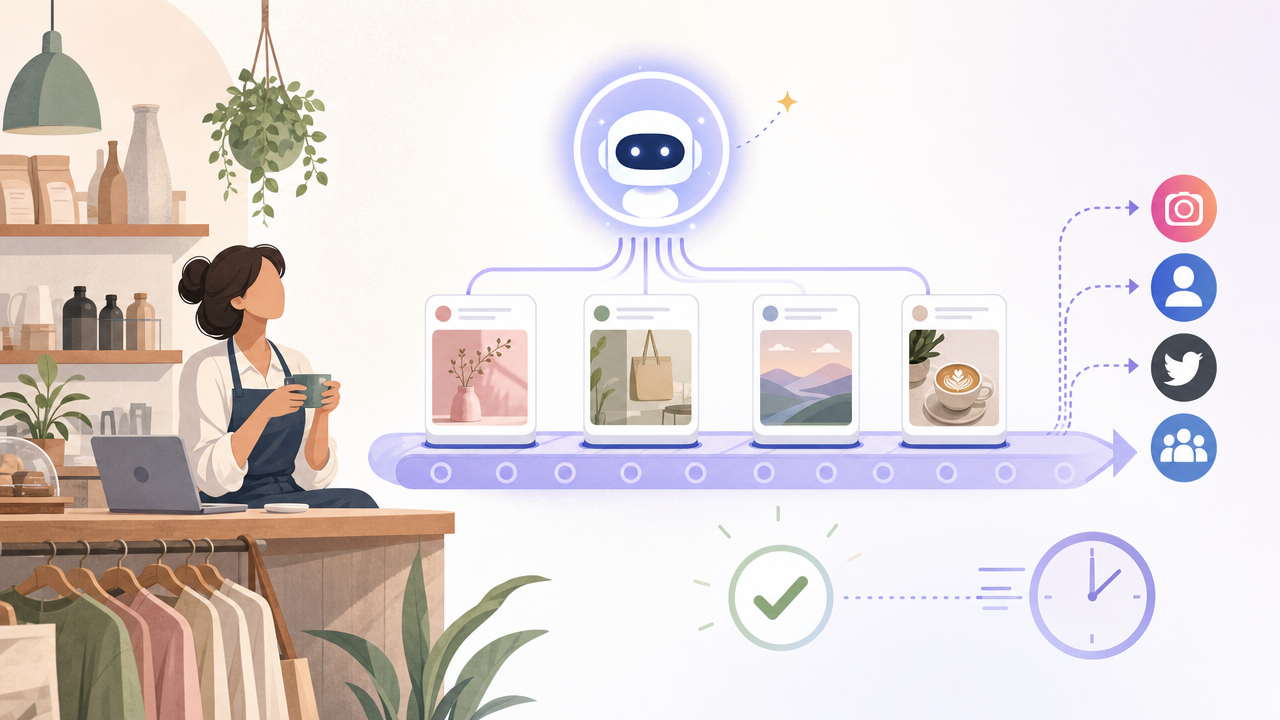
The average small business owner spends 6+ hours a week on social media — writing posts, resizing images, scheduling, replying to comments, and trying to keep five platforms from going quiet. That's most of a full working day, every week, on a task that rarely feels finished.
Social media automation for small business exists to give that day back. But "automation" gets used loosely — some tools just queue posts you already wrote, while others actually take over the production work. This guide covers what automation genuinely handles for a small business, what it doesn't, how to set it up step by step, and the real ROI math on time and cost.
Why social media is so hard for small businesses
It's not that small business owners don't understand social media. It's that the format punishes inconsistency, and consistency is exactly what a busy operator can't sustain. The specific traps:
It's never "done." Unlike a project with an endpoint, social media is a treadmill — the moment you post, the clock resets and you owe another one tomorrow.
Every platform wants something different. An Instagram caption isn't a LinkedIn post isn't a tweet. Repurposing one idea across channels manually multiplies the work.
The inbox half goes ignored. Posting is only the outbound half. Comments, DMs, and mentions pile up — and unanswered engagement quietly kills reach.
It competes with revenue work. When a customer needs something, social media is the first thing that gets dropped. So accounts go silent for two weeks, then restart from scratch.
Hiring is expensive and slow. A dedicated social media manager runs $4,000–6,000/month. An agency retainer is $2,000–5,000/month. For most small businesses, neither pencils out for a channel that's important but not yet a primary revenue driver.
The result is a familiar cycle: a burst of motivated posting, followed by a slow fade, followed by guilt, followed by another burst. This is exactly the gap social media automation for small business is built to close — it breaks the cycle by removing the dependency on the owner's daily attention. The channel keeps running at the same cadence whether it's a quiet week or your busiest month.
What social media automation actually handles (and what it doesn't)
Being honest about the line here matters — overselling automation is how people end up disappointed. Here's the real division of labor with a capable social media automation tool:
What automation handles well
Drafting posts from your real activity. A good AI tool turns your blog posts, product updates, and announcements into platform-ready social content — so you're not staring at a blank caption box.
Adapting one idea across platforms. The same core message, reshaped into an Instagram caption, a LinkedIn post, and a tweet — automatically, in each platform's native format.
Scheduling and consistent publishing. Posts go out at optimal times, every day, whether or not you remembered. This is the single biggest win — consistency without willpower.
Monitoring the inbox. Tracking comments, DMs, and mentions across channels in one place, so engagement doesn't rot unanswered.
Surfacing what's working. Performance data that tells you which posts landed, so the next batch is better.
What still needs a human
Final approval. AI drafts; you approve. Brand voice and judgment calls should always pass a human before going live — which is why approval routing matters more than full autonomy.
Strategy and big bets. A campaign idea, a brand repositioning, a sensitive PR moment — these are human decisions automation supports, not replaces.
Genuine relationship replies. A canned response to a loyal customer reads as canned. Automation flags what needs a personal reply; you write the ones that matter.
Original creative. A signature video series, a brand photoshoot — automation handles the volume so you have time for the few high-effort pieces that differentiate you.
The right mental model: automation is the AI employee doing the repetitive 80% — the drafting, resizing, scheduling, and monitoring — so the owner spends their 20% on judgment and relationships. It's not a robot that replaces you; it's the assistant who handles everything you'd delegate if you could afford to hire.
How to automate social media for small business, step by step
Here's the practical setup if you want to automate social media for small business end to end rather than just queue a few posts. The whole flow takes under an hour to configure, and most of it is one-time setup you never touch again.
Step 1 — Connect your accounts and content sources
Link the social channels you actually use — not all of them. Two channels done consistently beat five done sporadically.
Connect your content sources: your blog, your product changelog, your announcements. This is what lets the AI draft from real material instead of generic filler.
Step 2 — Set your voice and guardrails
Give the tool a few examples of posts you like, or a short description of your brand voice. The AI calibrates to it.
Set hard rules: topics to avoid, claims you can't make, words that aren't on-brand. This keeps AI output safe.
Step 3 — Configure the posting schedule
Decide cadence per channel — e.g. LinkedIn 3×/week, Instagram daily. Start sustainable; you can always increase.
Let the tool suggest optimal send times based on when your audience is active, rather than guessing.
Step 4 — Turn on approval routing
Set posts to route to you (or a team member) for a quick review before going live. For most small businesses this is the right default — you get the time savings of automation without surrendering control.
Reviewing a pre-drafted, pre-scheduled post takes seconds. Writing one from scratch takes 15–20 minutes. That's where the hours come back.
Step 5 — Monitor and iterate
Let the inbox monitoring surface comments and DMs that need a reply. Answer the ones that matter; let the tool handle the rest.
Check performance weekly, not daily. Adjust cadence and topics based on what's landing.
Once this is running, the owner's weekly social media time drops from 6+ hours of production to roughly 30 minutes of review and relationship replies.
The ROI: what automation actually saves
The case for social media management for small business via automation comes down to two numbers — time and money.
Time
Before: 6+ hours/week writing, designing, scheduling, and monitoring across channels.
After: ~30 minutes/week reviewing drafts and answering the replies that need a human.
Recovered: roughly 5.5 hours/week — about 280 hours a year, or seven full work weeks back for revenue-generating work.
Money
Dedicated social media manager: $4,000–6,000/month ($48k–72k/year).
Agency retainer: $2,000–5,000/month ($24k–60k/year).
AI automation tool: from ~$30/month ($360/year).
The comparison isn't subtle. An AI ops agent delivers the consistent execution layer of a social media manager — the drafting, adapting, scheduling, and monitoring — at roughly 1% of the cost of hiring one. For a small business where social media matters but doesn't yet justify a full-time salary, that gap is the whole argument.
What to look for when choosing a tool
Not all small business social media tools are built the same. The category splits into schedulers (queue what you wrote) and AI ops agents (do the writing too). For a time-strapped small business, prioritize:
Content generation, not just scheduling. If you still write every post yourself, you've only automated the easy 10%. The real time sink is production — make sure the tool drafts, not just queues. (See our breakdown of paid vs free social media automation software for where each tool draws this line.)
Per-platform adaptation. One idea, reshaped natively for each channel — not the same text copy-pasted everywhere.
Approval routing. Non-negotiable for brand safety. You want a review step, not blind autonomy.
Inbox monitoring. Outbound-only tools leave half the channel unmanaged. Look for one that tracks replies and DMs too.
Honest pricing for your scale. Per-channel pricing adds up fast. Flat-rate AI tools tend to be more predictable for a multi-channel small business.
For a wider view of AI tools that handle small-business operations beyond social, the best AI agents for small business in 2026 roundup is a useful companion read. And if you want to dig into whether AI can genuinely run accounts end to end, see AI social media manager: can AI run your accounts?
The verdict
For a small business with an existing, running operation, social media automation for small business isn't a nice-to-have — it's the difference between a channel that compounds and one that goes silent every time work gets busy. The math is straightforward: 5.5 hours a week recovered, at roughly 1% of the cost of a human hire. And because the system drafts from your real business activity, the quality holds up — you're not trading consistency for generic filler.
The tool that delivers the full picture — drafting from your real business activity, adapting per platform, scheduling, monitoring the inbox, and routing every post for your approval — is SureThing. It's not a scheduler with AI features bolted on; it's an AI ops agent that does the job of a social media manager, while you keep final say on everything that goes live.
If you're ready to stop spending your week on social media and start letting it run itself, see how SureThing's social media automation works — or read the complete SMB guide to social media automation for the full picture.