July 7, 2026
How to Automate Content Creation with AI (2026 Guide)
Automating content creation isn't about writing faster — it's about running the whole pipeline. Here's the 6-step setup for SMBs that already have a real operation.
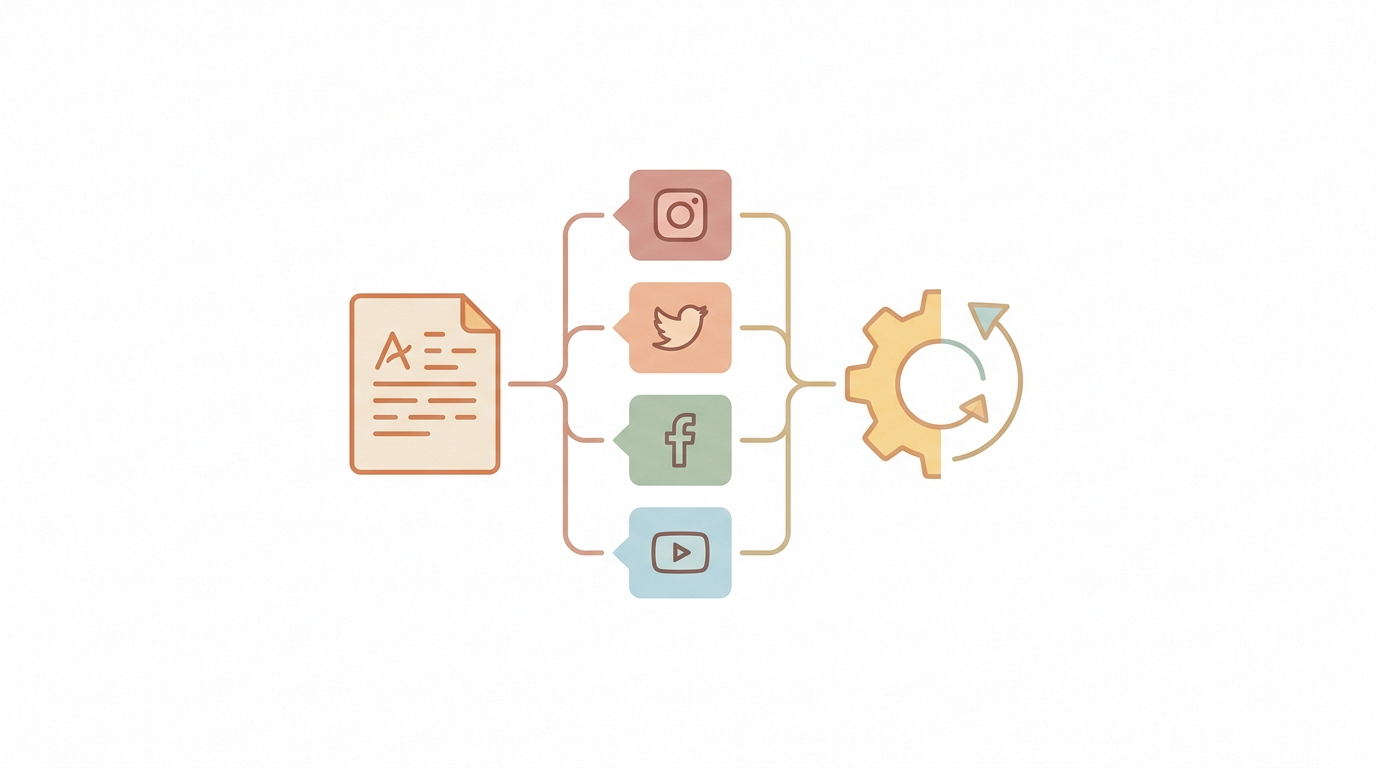
Most guides on "automating content creation" are secretly about writing blog posts faster. That's not the problem costing mid-market SMBs the most time. If you're already running a real business — an existing customer base, an existing brand, an existing team — your bottleneck isn't generating words. It's running the whole social content pipeline: drafting, adapting per platform, scheduling, monitoring what happens after it posts, and routing anything that needs a human eye.
This guide walks through automating that full pipeline for social media content specifically — not marketing content in general. Six steps, in the order that actually works.
What "Automating Content Creation" Actually Means
There's a meaningful difference between an AI writing tool and an AI content operations agent, and it matters for what you should actually set up.
AI writing tools (ChatGPT, Jasper, Copy.ai) generate text. You give them a prompt, they give you a paragraph. You still copy it out, adapt it per platform, schedule it, post it, and check on it yourself.
An AI content ops agent runs the workflow end to end — it drafts from a brief, adapts the draft per platform automatically, queues it for approval or posts it directly, and reports back on performance. You're not the copy-paste layer anymore.
If you're a mid-market business with existing operations, the second one is what actually returns hours to your week. A better writing tool just makes the manual part faster; it doesn't remove it.
Step 1: Audit Your Current Content Workflow
Before automating anything, write down what actually happens today, end to end, for one piece of social content — from "we should post about X" to the post going live. Most SMB teams find the same five stages:
Someone decides what to post about (idea/brief)
Someone writes the copy
Someone adapts it per platform (shorter for X, more visual for Instagram, more formal for LinkedIn)
Someone schedules or manually posts it
Someone checks how it performed, later, if at all
Time each stage for a week. This is the baseline you're automating against — and it's what tells you whether the ROI is even worth the setup effort. For most teams posting 3+ times a week across 3+ platforms, it is.
Step 2: Decide What to Automate vs. What to Keep Human
Not every stage above should be automated the same way.
Automate fully: platform adaptation, scheduling, performance reporting. These are execution, not judgment.
Automate with approval: the actual drafting. AI should write the first version; a human should sign off before it goes out, at least until you trust the voice match.
Keep fully human: the content brief itself (what to post about and why) and anything reactive — jumping on a trending topic, responding to a PR situation. These need business context an AI agent doesn't have and shouldn't be guessing at.
The mistake most SMBs make is trying to automate the brief too. Don't. Decide what to say; let automation handle everything downstream of that decision.
Step 3: Set Up AI Drafting Tied to Your Actual Brand Voice
Generic AI writing tools produce generic AI writing — flat, on-brand-for-nobody copy that reads the same for every company using the same prompt. The fix isn't a better prompt each time. It's giving the tool persistent context about your brand once, so every draft after that starts from your voice instead of a blank slate.
What to feed it:
Past posts that performed well — the AI should learn from your actual results, not generic best practices
Your tone rules in plain language ("direct, no exclamation points, no emoji unless it's a product launch")
What NOT to say — banned phrases, off-limits topics, claims legal has flagged before
This is the difference between re-prompting from scratch every time and a system that gets better the longer it runs. A tool with no memory of your brand makes you do this work every single post.
Step 4: Automate Platform Adaptation
The same message needs a different shape on every platform — this is pure execution work, and it's one of the highest-ROI things to hand off.
X (Twitter): shorter, punchier, higher posting frequency
LinkedIn: more context, more professional register, longer-form acceptable
Instagram: caption supports a strong visual, not the other way around
Facebook: conversational, community-oriented framing
An AI content ops agent takes one approved brief and outputs all four variants automatically. Without that layer, someone on your team is manually rewriting the same idea four times — which is where most of the "content creation" time actually goes, not in the first draft.
Step 5: Automate Scheduling and Approval Routing
Once content is drafted and adapted, it needs to go somewhere — and for most SMBs, that somewhere should still have a human checkpoint, at least at first.
Queue drafts for approval instead of auto-publishing on day one. Build trust in the system before removing the checkpoint.
Route by platform and urgency — a routine weekly post can sit in a queue; a time-sensitive announcement should surface for immediate review.
Track what gets edited before approval. If the same type of change happens repeatedly, that's a signal to update the brand-voice input from Step 3.
This is also where the "AI employee" framing becomes concrete: the agent doesn't just generate a suggestion and disappear. It holds the task, routes it correctly, and waits for a decision — the way a coordinator on your team would, minus the headcount cost.
Step 6: Automate Monitoring and Reporting
The last stage — checking what happened after a post goes live — is the one SMB teams skip most often, simply because nobody has time to log into four platforms and pull numbers manually.
Automate a weekly digest: reach, engagement rate, and which post outperformed the rest
Flag anomalies automatically — a sudden spike or an unusually negative comment thread — instead of relying on someone noticing
Feed performance data back into the drafting step (Step 3) so future drafts lean into what's actually working for your audience
Without this loop, you're creating content but never learning from it. With it, every cycle makes the next one slightly sharper.
Generic AI Writing Tools vs. an AI Content Ops Agent
This is the actual decision most mid-market teams are making right now, whether they realize it or not.
A generic AI writing tool gets you a faster first draft. Everything after that — adapting, scheduling, monitoring, reporting — is still manual. You've automated maybe 20% of the actual workflow.
An AI content ops agent, like SureThing, runs the remaining 80%: it drafts from your brief, adapts per platform, schedules or routes for approval, monitors what happens, and reports back — without you rebuilding a workflow around it in Zapier or a spreadsheet.
The distinction that matters for a business that's already running: you're not looking for something to help you write. You're looking for something to take the whole content-execution role off your plate, the way a coordinator on your team would, without the coordinator's salary. That's the shift from a writing tool to an operations agent — replacing the whole workflow, not just the writing step inside it.
For a deeper look at how this plays out specifically for social content, see our guide on social media automation, or our breakdown of what an AI social media manager can and can't be trusted to run on its own.
What It Actually Costs
Generic AI writing tools run anywhere from free to $30–$50/month for the higher tiers — but that price only covers the drafting step. Everything downstream is still your team's time.
AI content ops agent platforms that cover the full pipeline — drafting, platform adaptation, scheduling, monitoring — typically start around $30/month at the entry tier for a small operation, scaling up based on volume and number of platforms managed. Compare that against the labor cost of a part-time content coordinator, and the math is straightforward: automating the pipeline usually costs less than one hour of coordinator time per month once it's running.
Common Mistakes to Avoid
Automating before the brand voice is defined. Feed the AI nothing, and every draft needs a full rewrite. Feed it real examples of your best-performing posts, and drafts start closer to ready.
Removing the approval step too early. Run with human sign-off for the first few weeks. Only go fully autonomous once the drafts are consistently landing without edits.
Treating this as a writing project. If you only automate the drafting stage and still manually adapt, schedule, and check performance, you've solved the smallest part of the actual time cost.
Comparing tools on features instead of workflow coverage. The right question isn't "how good is the writing" — most models write fine now. It's "how much of the pipeline does this actually take off my plate."
For SMBs already running a real operation, the win isn't better AI-written sentences. It's an agent that owns content execution the way a person would — minus the manual handoffs, the missed follow-ups, and the four separate browser tabs.
For a wider comparison of tools that cover this workflow, see our roundup of the best AI agents for small business in 2026, or our deeper dive on AI content automation if you want the pricing and feature-level breakdown rather than the step-by-step setup.