July 3, 2026
How to Automate Facebook Posts (Step-by-Step for 2026)
Manual Facebook posting stops scaling the moment your business gets busy. Here is the step-by-step way to automate it properly — content, adaptation, approval, and monitoring, not just the queue.
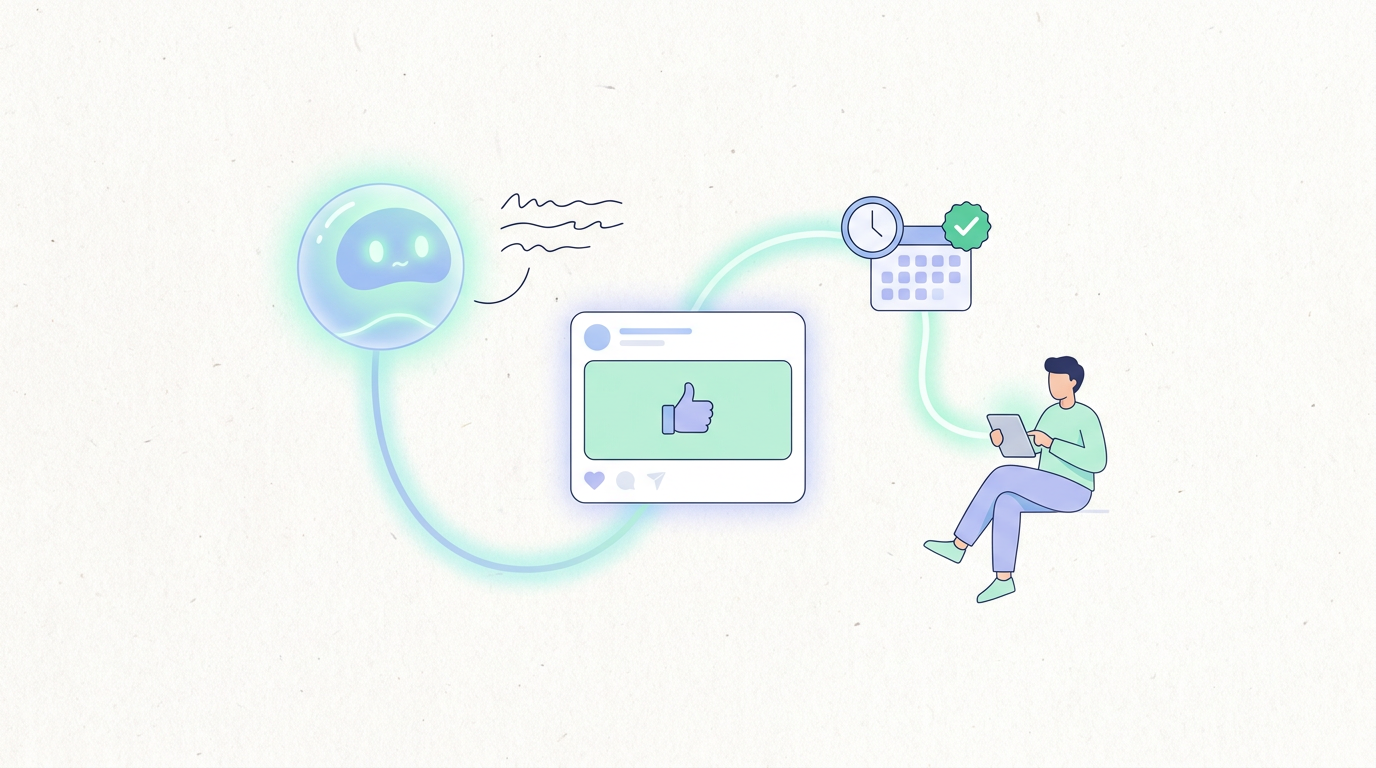
If you're still posting to your Facebook Page by hand — writing the caption, picking the photo, hitting publish, then doing it again next week — it works fine when you're small. It stops working the moment your business has more than one channel to keep alive and a team that has better things to do than babysit a Page.
Facebook automation isn't optional at that point — it's the difference between social media being a weekly chore and it running quietly in the background. This guide walks through exactly how to automate Facebook posting: what native scheduling covers and where it stops, the step-by-step setup for real AI-driven automation, the mistakes specific to Facebook, and how to get started this week.
Why Manual Facebook Posting Doesn't Scale
Manual posting has a hidden cost that doesn't show up until you're busy: it requires someone to remember to do it, at the right time, every time. Miss a week because of a launch or a vacation, and your Page goes quiet — which reads to followers as the business slowing down, even when it isn't.
It also doesn't scale with growth. One Page is manageable. A Page plus Instagram plus LinkedIn, each needing different formatting and different timing, turns into hours a week of repetitive work — writing, resizing, reformatting, and republishing the same idea three different ways. That's exactly the kind of labor automation is built to absorb.
For a business with an actual product to sell and customers to serve, that time has a real opportunity cost. It's not that posting to Facebook is hard — it's that doing it well, consistently, on top of everything else running a business requires, is the part that quietly stops happening once things get busy.
Native Facebook Scheduling: What It Covers (and Where It Stops)
Facebook's own Creator Studio / Meta Business Suite lets you schedule posts in advance for free, which is a reasonable starting point. But it has real limits:
No content generation. You still have to write every post yourself — native scheduling only handles the "publish later" part.
No cross-platform adaptation. If you also post to Instagram or LinkedIn, you're writing and formatting each version separately.
No approval workflow. If more than one person touches your content, there's no built-in review step — you're coordinating sign-off over Slack or a shared doc.
Thin analytics loop. You get basic metrics, but nothing that feeds back into what you post next.
Native scheduling automates the calendar. It doesn't automate the work. For a growing business, that gap is exactly where the hours go.
Third-party schedulers close some of that gap — cross-posting to multiple platforms from one dashboard, sometimes with a basic AI caption suggestion bolted on. That's a real improvement over doing everything natively, but it's still a scheduler with an assist feature, not automation of the actual work. You're still the one writing the core idea, deciding what to say, and often still manually adjusting it per platform. The queue runs itself; the thinking doesn't.
Step-by-Step: Automating Facebook Posts with AI
Here's the practical setup for automating Facebook posting properly — with an AI tool that handles the content, not just the queue:
Step 1 — Connect your Facebook Page. Link your Page (and any other platforms you run) to the automation tool. This takes a few minutes and is usually a one-time setup.
Step 2 — Define your content strategy and brand voice. Give the tool your tone, the topics you want covered, and anything off-limits. This is what keeps AI-generated posts sounding like your business instead of generic filler.
Step 3 — Let AI generate and adapt posts for Facebook's format. From a topic or brief, the tool drafts full posts shaped for how Facebook actually performs — slightly longer, conversational captions and image-forward formatting, distinct from Instagram's visual-first style or LinkedIn's professional tone.
Step 4 — Set up approval routing. Route drafts to a review step before anything goes live. You approve, edit, or send back changes — nothing publishes without a human checking it first, unless you deliberately loosen that later.
Step 5 — Schedule and publish. Approved posts go out automatically at the right times, across Facebook and any other connected platforms, without anyone manually hitting publish.
Step 6 — Monitor and iterate. Track what's actually landing with your audience and let that shape what gets created next, instead of letting engagement data sit unused.
That's the full loop — content, adaptation, review, publishing, and feedback — not just a smarter version of "schedule this post for Tuesday." Once it's running, the actual weekly commitment from your team drops to reviewing drafts and occasionally checking the numbers — not writing, formatting, and remembering to post.
Facebook-Specific Pitfalls to Avoid
A few mistakes show up specifically on Facebook that are worth watching for:
Posting too frequently. Facebook's algorithm and audience tolerance reward consistency over volume — flooding the feed tends to suppress reach rather than boost it. A steady, moderate cadence beats posting daily just because you can.
Format mismatches. A caption written for Instagram's short, visual style reads flat on Facebook, where slightly longer, more conversational posts tend to perform better. Reposting the exact same content across platforms without adapting it is a common and avoidable miss.
Engagement drop-off from generic content. Facebook audiences — especially for SMBs — respond to content that feels specific to the business, not templated marketing copy. If engagement is falling, check whether the content has started sounding interchangeable with any other brand's feed.
Ignoring comments and replies. Automation should handle the posting workload, not disengagement — a Page that posts reliably but never responds to comments loses the community feel that made Facebook worth using in the first place.
None of these are reasons to avoid automating — they're reasons to automate the whole workflow instead of just the publish button. A tool that generates content aware of Facebook's format and pacing avoids most of these by design, rather than requiring you to manually catch them after the fact.
How SureThing Handles Facebook Automation End-to-End
SureThing is built for exactly this — mid-market SMBs with a real, running business who need Facebook (and every other platform) handled without hiring for it or configuring a DIY toolchain.
Content generation. Give SureThing a topic or update, and it drafts full, ready-to-review posts — not caption fragments you have to finish.
Facebook-specific adaptation. Posts are shaped for how Facebook actually reads — tone, length, and format distinct from Instagram or LinkedIn versions of the same idea.
Approval routing. Drafts arrive as review cards. Approve, edit, or decline in one place before anything goes live.
Scheduling and publishing. Approved posts go out automatically at the right cadence — no flooding the feed, no gaps.
Performance monitoring. Results feed back into future content, so posts improve instead of repeating what didn't land.
Pricing starts free, with paid plans from $0/month depending on usage — priced around ops capacity, not a per-post fee. The idea isn't a smarter scheduler bolted onto Facebook's native tools. It's replacing the actual role — writing, adapting, reviewing, publishing — with something that runs it while you check in.
For the broader picture, see the complete guide to social media automation and our take on whether AI can genuinely run your accounts. If you're comparing specific tools, the best social media automation tools roundup covers where several options land.
Quick-Start Checklist
To get Facebook posting automated properly, in order:
Connect your Facebook Page to an AI automation tool (plus any other platforms you run).
Set your brand voice and topics so generated content sounds like your business, not generic copy.
Turn on approval routing and review every post for the first couple weeks to build trust in the output.
Confirm posting cadence is steady, not flooding — moderate and consistent beats frequent.
Loosen review gradually once quality holds, and check performance monthly to steer what gets created next.
None of these steps require technical setup or a dedicated hire — the point of automating Facebook posting properly is that it should take less effort to run than the manual version did, not more.
Done right, Facebook stops being a weekly task someone has to remember and becomes something that just runs — while you check in when it matters. For the full picture across your operation, see the best AI agents for small business in 2026.