July 15, 2026
AI Agent for Healthcare: Automating Patient Admin and Follow-Up
How small and mid-size healthcare practices use an AI agent to run scheduling, reminders, intake, and follow-up automatically, so staff can focus on patients instead of paperwork.
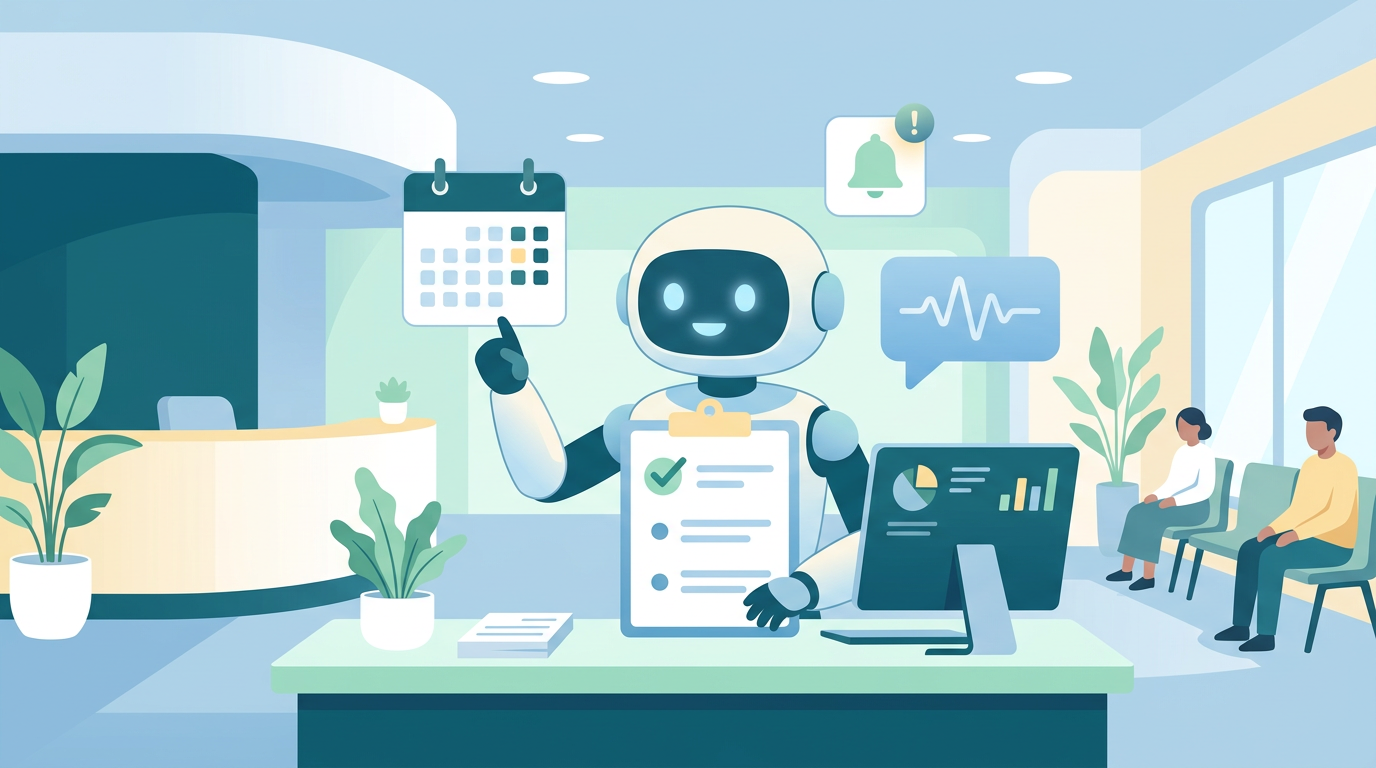
Small clinics and practices lose an outsized amount of staff time to work that has nothing to do with patient care: scheduling and rescheduling appointments, sending reminders, chasing no-shows, collecting intake forms, routing insurance paperwork, and following up after visits. None of that requires a clinician — it requires someone with time, and time is exactly what a lean front-desk or admin team doesn't have.
That's the gap an AI agent for healthcare is built to close. Not a diagnostic tool, not a clinical decision aid — an operations layer that runs the administrative loop around patient care so staff can spend their hours on patients instead of paperwork. This guide covers what that actually looks like in practice for a small to mid-size practice, what to automate versus what stays with staff, and how it works day to day.
The admin burden small practices actually carry
Ask any office manager at a clinic with 2-10 providers where the time goes, and the list is remarkably consistent:
Appointment scheduling and rescheduling — phone tag, calendar conflicts, and manually confirming slots across multiple providers
Reminder calls and texts — chasing patients ahead of appointments to reduce no-shows, often the same message sent dozens of times a day
Intake form collection — getting new-patient paperwork completed before the visit instead of in the waiting room
Post-visit follow-up — checking in on recovery, confirming medication pickup, scheduling the next visit
Insurance and paperwork routing — verifying coverage, routing claims paperwork, and flagging what needs a human decision
Answering repetitive patient questions — hours, location, what to bring, whether a provider is in-network
Individually, none of these tasks is hard. Together, they're a full-time job that most practices are stacking onto front-desk staff who are also answering phones and checking patients in. Healthcare admin automation isn't about replacing that person — it's about removing the repetitive 80% of the job so the time that's left goes toward the parts that actually need a person: judgment calls, difficult conversations, and anything clinical.
What an AI agent actually automates in a healthcare practice
The distinction that matters here is the same one that matters across every AI-employee use case: does the tool just organize the work, or does it do the work? A calendar app organizes appointments. An ai agent for patient scheduling books, reschedules, and reminds — without staff touching each interaction.
In practice, that means:
Handling scheduling end to end. Patients book, reschedule, or cancel through a conversational interface (chat, text, or voice), and the agent checks provider availability, confirms the slot, and updates the calendar — no staff member relaying messages back and forth.
Sending appointment reminders and confirmations automatically. Reminders go out on a schedule (typically 48 and 24 hours before), with an easy reschedule or cancel option built in — reducing no-shows without anyone manually texting each patient.
Collecting intake forms before the visit. New patients receive the intake paperwork automatically ahead of their appointment, with the agent following up if it isn't completed — so staff aren't handing out clipboards at check-in.
Managing post-visit follow-up. AI patient follow-up messages go out on a set cadence — checking on recovery, confirming a prescription was picked up, prompting the next scheduled visit — without a staff member working down a call list.
Routing insurance and paperwork tasks. The agent verifies basic coverage details, flags discrepancies, and routes anything that needs a human decision to the right staff member — instead of paperwork sitting in a queue no one's assigned to.
Answering routine patient questions. Hours, location, parking, what to bring to a visit, whether a provider is accepting new patients — handled without tying up a phone line.
Escalating anything that needs a human. A patient describing symptoms that need clinical judgment, a billing dispute, an angry or distressed caller — none of that gets automated. The agent routes it to staff immediately rather than attempting to handle it.
What should always stay with staff
Automation earns trust by being honest about its limits, especially in healthcare. A few things that should never be automated:
Any clinical assessment or advice. An AI agent for healthcare admin has no business interpreting symptoms or offering medical guidance — that's a hard boundary, not a feature gap to close later.
Sensitive or distressing conversations. A patient calling about a serious diagnosis, a bereavement, or a crisis needs a person on the line, immediately.
Final billing and insurance decisions. The agent can verify, flag, and route — but disputes and exceptions need staff judgment and authority.
Anything outside a clearly defined script. The moment a conversation moves outside routine admin territory, the right move is escalation, not an AI attempting to improvise.
The point of automating admin work isn't to remove staff from patient interactions — it's to remove the repetitive load so staff have the bandwidth to handle the parts that actually need them.
How SureThing runs this for a small practice
SureThing is built as a full AI ops agent, not a scheduling app with a chatbot bolted on. For a healthcare practice, that means the difference isn't better calendar software — it's an admin layer that runs continuously:
Patient intake: New-patient forms go out automatically ahead of scheduled visits, with follow-up if they're not completed in time — staff see completed intake, not a to-do list of reminders to send.
Scheduling and reminders: The agent handles booking, rescheduling, and reminder messaging directly with patients, syncing to your existing calendar system rather than requiring a new one.
Follow-up messaging: Post-visit check-ins and next-appointment prompts go out on a set cadence without a staff member working a call list.
Insurance and paperwork routing: Coverage verification and paperwork tasks get handled or routed to the right person automatically, instead of sitting in an unowned queue.
Escalation to staff: Anything clinical, sensitive, or outside routine admin gets flagged to a human immediately — the agent knows what it shouldn't touch.
That's the practical version of "SureThing runs the admin work, not just a calendar for it" — a scheduling tool still needs staff to write every reminder and chase every form. SureThing handles the loop and brings staff in only where a person actually needs to be. Paid plans start around $30/month, with no promotional pricing built in — the practices that benefit most are ones already busy enough that the admin backlog is a real cost, not a hypothetical one.
Who this fits — and who it doesn't
This is built for a specific profile:
Small to mid-size practices with existing patient volume — clinics, dental offices, physical therapy practices, and specialty offices where admin work has outgrown what front-desk staff can keep on top of manually
Practices without a dedicated admin/ops hire — where scheduling, reminders, and follow-up are jobs that get squeezed between other responsibilities rather than owned outright
Multi-provider offices — where scheduling complexity (multiple calendars, multiple specialties) makes manual coordination genuinely time-consuming
It's a poor fit for a solo practitioner just opening a practice with no patient base yet, or for anything that requires automating clinical judgment — that's not what this category does, and any tool claiming otherwise should be treated with real skepticism.
How to get started
For practices ready to automate healthcare admin tasks in stages rather than all at once, here's a practical rollout, whichever tool you choose:
Start with one workflow, not all of them. Appointment reminders are the easiest first automation — low risk, immediate no-show reduction, no clinical judgment involved.
Add intake and follow-up next. Once reminders are running smoothly, automating intake form collection and post-visit follow-up captures the next-largest chunk of admin time.
Define escalation rules clearly upfront. Decide explicitly what gets routed to staff automatically — symptom mentions, billing disputes, anything ambiguous — before turning the system on, not after something falls through.
Review the first few weeks closely. Check what the agent is handling correctly and where it's escalating too much or too little, and adjust the rules rather than assuming the defaults are right for your practice.
For the broader picture on how this category works across business types, see how AI agents are replacing repetitive work, the roundup of the best AI agents for small business, or 10 AI agent examples every SMB can use. If patient-facing conversations are the bigger bottleneck than back-office admin, the AI agent for customer service guide covers that side directly.
Frequently asked questions
Is it safe to automate healthcare administrative tasks?
Yes, for the tasks that are genuinely administrative — scheduling, reminders, intake forms, routine follow-up. The key is drawing a firm line at anything clinical or sensitive, which should always route to a human. A well-built AI agent for healthcare admin is designed around that boundary, not around trying to erase it.
Can an AI agent for patient scheduling integrate with our existing calendar and EHR?
Most practices run automation alongside their existing scheduling and records systems rather than replacing them — the agent handles the patient-facing conversation and syncs the result into your calendar, so staff aren't managing two separate systems.
Will patients notice they're talking to an AI agent instead of staff?
For routine admin — scheduling, reminders, basic questions — most patients care more about getting a fast, accurate response than who or what sent it. Being transparent about it when asked, and having clear escalation to a real person, matters more than trying to disguise it.
How much does healthcare admin automation typically cost?
An AI ops agent handling the full admin loop — scheduling, reminders, intake, follow-up, and routing — typically starts around $30/month, often less than the cost of the staff hours currently going into the same tasks manually.