Example · Fill an open weekend
Example request“Find a good event for our open October weekend. Check our current list first, and prepare a note to the organizer if needed.”
Here is one way a food truck can use SureThing to find worthwhile events, remember when vendor forms reopen, follow up on unanswered applications, and promote confirmed weekends.
Start with your calendar and event criteria.
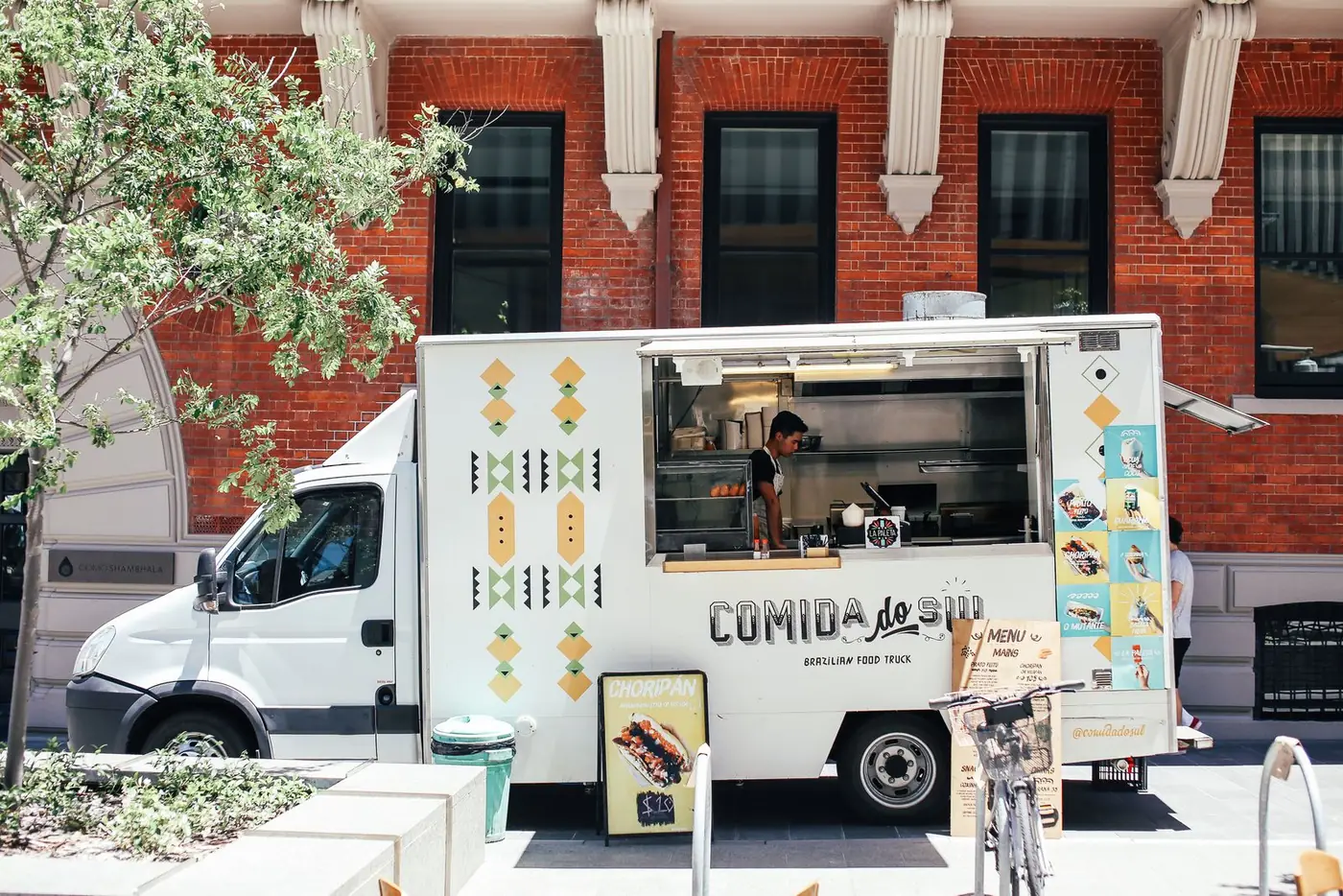
One way to use SureThing
A food truck can share what makes an event worth the drive, where the calendar still has gaps, and when SureThing should keep checking.
Example workflow
This illustrates one way a local business can use SureThing. Requests are generalized so the flow is useful without reproducing anyone's private conversation.
Example · Fill an open weekend
Example request“Find a good event for our open October weekend. Check our current list first, and prepare a note to the organizer if needed.”
Example · Keep looking on a schedule
Example request“Keep checking every few days for two- or three-day events that fit those dates.”
Example · Watch for the next application window
Example request“Review the latest email and remind me when the next vendor application window opens.”
The operating loop
The value was not one search or one email. It was keeping the whole opportunity moving across the calendar, the web, the inbox, and social media.
The owner points to an open weekend. SureThing checks the working event list before starting another search.
Candidates are screened for dates, hours, distance, fees, venue fit, and whether a real vendor application exists.
SureThing checks prior chat and email history, prepares follow-ups, and monitors vendor pages when forms are not open yet.
Once an event is confirmed, the same project context can become a short video, email, and social draft for review.
A recurring search checked every few days for two- or three-day events.
The owner’s own calendar and event criteria stayed part of every search.
Drafts and outbound actions stayed visible for approval when needed.
An illustrative deliverable
This original example shows how a confirmed festival booking can become a short promo using fictional people, venue, and event details—ready for review without using customer footage.
“Create a short vertical promo for our food truck's upcoming music festival appearance. Show the truck arriving, serving food, and the evening crowd enjoying the stage.”
Automation with judgment
This is not a promise that AI books every weekend by itself. It is a system for doing the research, remembering the context, and putting the next useful action in front of the owner.
The owner defines what counts as a worthwhile event.
SureThing rules out poor-fit options instead of padding the list.
Applications, emails, and posts can pause for review.
The owner can correct the criteria, stop a routine, or change direction.
Built for event-led local businesses
If revenue depends on finding, qualifying, booking, and promoting local opportunities, the workflow can be adapted to the rules of your business.
Food trucks with weekend revenue targets
Caterers booking fairs and private events
Market vendors tracking seasonal applications
Mobile businesses juggling travel, permits, and promotion
Questions
Yes. It shows one way a local food truck can use SureThing to search, follow up, remember application windows, and prepare promotion. The requests, people, event details, and promotional video are illustrative and generalized.
No. Event fit is contextual, and applications or messages may require review. The workflow can research, screen, monitor, and prepare the next action while keeping the owner in control of commitments and outbound communication.
Yes. Distance, event length, fees, expected fit, venue type, application availability, and other business rules can be kept in the project and reused in future searches.
The confirmed date and event details can feed a coordinated promotion workflow, including a short video, an email, and Facebook or Instagram drafts ready for review.
Start with one recurring problem, the apps you already use, and the decisions you want to keep in your hands.
Build my first workflow